Learning Center for Tax and Financial Insights

Stay updated with clear, actionable articles on tax rules, deadlines, deductions, and financial decisions that impact individuals and businesses.

No items found.

Missing Out on the Earned Income Tax Credit?

Article Highlights: Earned Income Tax Credit Refundable Tax Credit Qualifications Special Rule for Military The EITC is for people who work but have lower incomes. If you qualify, it could be worth up to $6,660 in 2020, up from $6,557 in 2019, so you could pay less federal tax or even get a refund. The credit is a refundable credit, which means you can get the benefits of the credit even if you do not owe any taxes. That’s money you can use to make a difference in your life. Even though this credit can be worth thousands of dollars to a low-income family, the IRS estimates as many as 25 percent of people who qualify for the credit do not claim it simply because they don’t understand the criteria. Plus, many individuals who never qualified for the EITC previously may be eligible in 2020 because their income will be lower as a result of the COVID pandemic. If you qualify for but failed to claim the credit on your return for 2017, 2018 and/or 2019, you can still claim it for those years by filing an amended return or an original return if you have not previously filed. The EITC is based on the amount of your earned income (EI) and whether there are qualifying children in your household. The credit increases as the taxpayer’s earned income or adjusted gross income (AGI) increases until it reaches a plateau, where it remains constant at the maximum credit amount until it reaches the AGI phase-out threshold. Once the threshold amount is exceeded, the credit is reduced by a set percentage, and no credit is allowed once the income exceeds the top of the phase-out range. The following table illustrates the maximum credit and phase-out ranges based on filing status and number of children for 2020. Filing Status Number of Children Credit % Maximum Credit EI Phase-out Threshold Starts EI Phase-out Threshold Ends Joint Filing None 7.65 $538 $14,680 $21,710 Others None 7.65 $538 $8,790 $15,820 Joint Filing 1 34.00 $3,584 $25,220 $47,646 Others 1 34.00 $3,584 $19,330 $41,756 Joint Filing 2 40.00 $5,920 $25,220 $53,330 Others 2 40.00 $5,920 $19,330 $47,440 Joint Filing 3 or more 40.00 $6,660 $25,220 $56,844 Others 3 or more 40.00 $6,660 19,330 $50,954

Explore More
Personal Finance

This is What Happens to Your Unpaid Debts If You Pass Away

According to one recent study, consumer debt in the United States was approaching an incredible $14 trillion as of the second quarter of 2019. Mortgage debt alone had increased by about $407 billion from a few years earlier in 2017, and credit cards themselves had crossed the $1 trillion mark during the same period of time. If you're currently among the millions upon millions of Americans who have a significant amount of unpaid debt, the good news is that you're certainly not alone. But of course, that demands the question: What happens to that debt if you were to suddenly pass away? Whenever someone dies, all of their assets - including not only financial accounts but also real estate and other possessions - become what is then known as their estate. If you were to unfortunately die and leave behind unpaid debt, that estate (and its total value) is what creditors would go after to try to recoup some of their losses.

Explore More
No items found.

September 2020 Individual Due Dates

September 1 - 2020 Fall and 2021Tax Planning Contact this office to schedule a consultation appointment. September 10 - Report Tips to Employer If you are an employee who works for tips and received more than $20 in tips during August, you are required to report them to your employer on IRS Form 4070 no later than September 10. Your employer is required to withhold FICA taxes and income tax withholding for these tips from your regular wages. If your regular wages are insufficient to cover the FICA and tax withholding, the employer will report the amount of the uncollected withholding in box 12 of your W-2 for the year. You will be required to pay the uncollected withholding when your return for the year is filed.September 15 - Estimated Tax Payment Due The third installment of 2020 individual estimated taxes is due. Our tax system is a “pay-as-you-earn” system. To facilitate that concept, the government has provided several means of assisting taxpayers in meeting the “pay-as-you-earn” requirement. These include:Payroll withholding for employees;Pension withholding for retirees; and Estimated tax payments for self-employed individuals and those with other sources of income not covered by withholding.When a taxpayer fails to prepay a safe harbor (minimum) amount, they can be subject to the underpayment penalty. This penalty is equal to the federal short-term rate plus 3 percentage points, and the penalty is computed on a quarter-by-quarter basis.Federal tax law does provide ways to avoid the underpayment penalty. If the underpayment is less than $1,000 (the de minimis amount), no penalty is assessed. In addition, the law provides "safe harbor" prepayments. There are two safe harbors:The first safe harbor is based on the tax owed in the current year. If your payments equal or exceed 90% of what is owed in the current year, you can escape a penalty.The second safe harbor is based on the tax owed in the immediately preceding tax year. This safe harbor is generally 100% of the prior year’s tax liability. However, for taxpayers whose AGI exceeds $150,000 ($75,000 for married taxpayers filing separately), the prior year’s safe harbor is 110%.

Explore More
No items found.

September 2020 Business Due Dates

September 15 - S Corporations File a 2019 calendar year income tax return (Form 1120-S) and pay any tax due. This due date applies only if you requested an automatic 6-month extension. Provide each shareholder with a copy of K-1 (Form 1120-S) or a substitute Schedule K-1. September 15 - Corporations Deposit the third installment of estimated income tax for 2020 for calendar year September 15 - Social Security, Medicare and Withheld Income Tax If the monthly deposit rule applies, deposit the tax for payments in August. September 15 - Nonpayroll Withholding

Explore More
No items found.

How to Create Product Records in QuickBooks Online, Part 2

Last month, we covered the setup you have to do before you start building your product and service records in QuickBooks Online. We told you to click the gear icon in the upper right, then click Account and settings, then the Sales tab, then Products and Services. Once you’ve specified your preferences, you click the gear icon again, then Products and services, then New to complete the fields required for each record. Before you start creating product and service records, you should establish your preferences. You can always view the Products and Services screen by clicking on Sales in the toolbar, then Products and Services. (You can also access it by clicking on the gear icon, then Products and services under Lists.) This comprehensive table, a kind of dashboard for your products and services, displays real-time information about each item’s pricing and inventory levels, as well as its type and tax status. Click the down arrow in the Action column, and you can work with that product in a variety of ways. For example, you can run a report, adjust its starting value and quantity, and reorder. You can also edit the record from here. Large, colorful buttons at the top of the screen give you an instant view of the number of items that are low on stock or out of stock. Click on one, and a list of those items will appear. Warning: Be sure you understand your reason for modifying inventory level numbers (either their starting value or quantity) and the impact this could have on your reporting. We recommend that you consult with us before taking either action. The same goes for reordering if you haven’t worked with purchase orders in QuickBooks Online before. Using Your Records Once you start creating transactions like invoices and sales receipts, you’ll see why we recommended that you complete all of the relevant fields in your product and service records. QuickBooks Online is good about allowing you to supply data “on the fly” (as you go along), but your daily work will go much faster if you do your setup work first. Here’s how you add a product or service to an invoice or a sales receipt, for example. Click on the +New button at the top of the screen and select your transaction type. Choose the appropriate Customer by clicking on the down arrow in the first field in the upper left. Check the rest of the fields in the top half of the form and make any necessary changes. Click in the field under Service Date, then click on the small graphical calendar to select the date of the sale. Click on the down arrow in the field below Product/Service.

Explore More
No items found.

How States are Reshaping Nexus Laws for Remote Employees Due to COVID-19

Ever since the coronavirus pandemic began impacting the United States, businesses around the country have responded by instituting work-from-home policies. While it is unclear how much longer the nation will be in the grips of the crisis, social distancing is likely to remain in place for many organizations. Some of the country’s most recognizable brands, including Facebook and Google, have already announced a work-from-home option that will extend through July 2021 for all of their employees, while others have made the ability to work remotely permanent. As more and more organizations make the decision that their staff members can work from home either permanently or on a long-term basis, they may need to take a closer look at how nexus will be addressed — especially as several state governments are beginning to address work-from-home employees in terms of nexus and on tax revenue. Traditionally, a state tax obligation is established when a business has a physical presence within its borders. That is what creates nexus. If a Floridian goes to New York for a temporary job placement they have an income tax obligation in New York for the money that they earn there, and if a California company places employees in Texas then the company would have an obligation to follow Texas laws and pay Texas sales tax. While New York’s Governor Andrew Cuomo explicitly continued that practice when COVID-19 struck, making temporarily remote employees in New York liable for state income tax, several states (including Massachusetts and Pennsylvania) made clear that the virus-related remote work would not trigger nexus obligations, at least until official work-from-home orders or states of emergency lasted. As mandates are being lifted but companies continue to allow or enforce work from home, those states are beginning to reconsider their position. We are providing the guidance below regarding Congress’ stated position thus far regarding nexus, as well as the position of several states that have published their position. Please contact us if you have any questions. Congress’s Position While not every state has begun to address the tax ramifications of working-from-home due to COVID-19, Congress has begun to address the issue, and on July 27th, 2020 new legislation was introduced with the goal of limiting the amount of state income tax that could be charged on income earned in state to residents of another state. The proposal revises Section 403 of the American Workers, Families and Employers Assistance Act (S. 4318), which says in part: “No part of the wages or other remuneration earned by an employee who is a resident of a taxing jurisdiction and performs employment duties in more than one taxing jurisdiction shall be subject to income tax in any taxing jurisdiction other than: (A) The taxing jurisdiction of the employee’s residence (B) Any taxing jurisdiction within which the employee is present and performing employment duties for more than 30 days during the calendar year in which the wages or other remuneration is earned.” The revision would extend the 30 days in part (B) to 90 days for calendar year 2020 “in the case of any employee who performs employment duties in any taxing jurisdiction other than the taxing jurisdiction of the employee’s residence during such year as a result of the COVID-19 public health emergency.” Indiana Addresses Nexus Rules Following COVID-19 The Indiana Department of Revenue recently posted information regarding the intersection of nexus and COVID-19 on its website. Their post indicated that they would “not use someone’s relocation, that is the direct result of temporary remote work requirements arising from and during the COVID-19 pandemic health crisis, as the basis for establishing Indiana nexus or for exceeding the protections provided by P.L. 86-272 for the employer of the temporary relocated employee.” Despite this assurance, the department went on to explain that nexus could be established for an out-of-state employer if their employee “remains in Indiana after the temporary remote work requirement has ended,” and that the employer could not “assert that solely having a temporarily relocated employee in Indiana [due to an official work-from-home order or a physician’s order related to a COVID-19 outbreak or diagnosis] creates nexus for the business or exceeds the protections of P.L. 86-272 for the employer.” If your clients do business or have employees in Indiana and you need more information, visit the website of the

Explore More
No results found.
Thank you! Your submission has been received!
Oops! Something went wrong while submitting the form.

Want tax & accounting tips & insights?Sign up for our newsletter.

Thank you! Your submission has been received!
Oops! Something went wrong while submitting the form.

Why Work With Us?

We combine deep tax expertise, financial strategy, and practical business insight to help you manage complexity, stay compliant, and make confident financial decisions.
A dollar sign, representing financial advice or discussion at NR CPAs & Business Advisors.

Experienced CPA and Enrolled Agent Leadership

Guidance led by licensed professionals with deep expertise in tax strategy, compliance, and complex financial matters.
White bar chart with an upward arrow on green circular background representing growth or progress at NR CPAs &. Business Advisors

Support for Growing Businesses and Startups

We understand the financial challenges of growth stage businesses and provide structured guidance to support expansion.
A white hand holding a dollar symbol and ascending bar chart on a green circular background representing financial growth or investment at NR CPAs & Business Advisors..

Strategic Financial Advisory

Our team helps you evaluate financial decisions with greater clarity, supported by practical insights and long term planning.

Fractional CFO Support

Access experienced financial leadership without the commitment and cost of hiring a full time Chief Financial Officer.

Proactive Tax Planning Approach

We focus on identifying tax opportunities throughout the year rather than reacting only during filing season.

Clear and Reliable Financial Reporting

Accurate financial statements and reporting that help you better understand performance and make informed decisions.
White IRS building icon with pillars and a dollar sign above on a green circular background.

Professional IRS Representation

Experienced support in resolving IRS notices, disputes, and compliance matters while protecting your financial interests.

Personalized Client Focus

Every client receives thoughtful attention and tailored financial solutions based on their specific needs and business goals.
Financial matters often involve important decisions. Working with experienced advisors can help you approach them with greater clarity and confidence in your choices.

Need Help With Your Tax or Financial Decisions?

Discuss your situation with our advisors to get clear guidance on tax planning, IRS matters, and the financial decisions ahead.
Business consulting at NR CPAs & Business Advisors.

Request Your Consultation

Fill out the form to discuss your tax concerns, financial questions, or advisory needs with our team. We will review your details and respond shortly.

Serving Businesses & Individuals Across USA

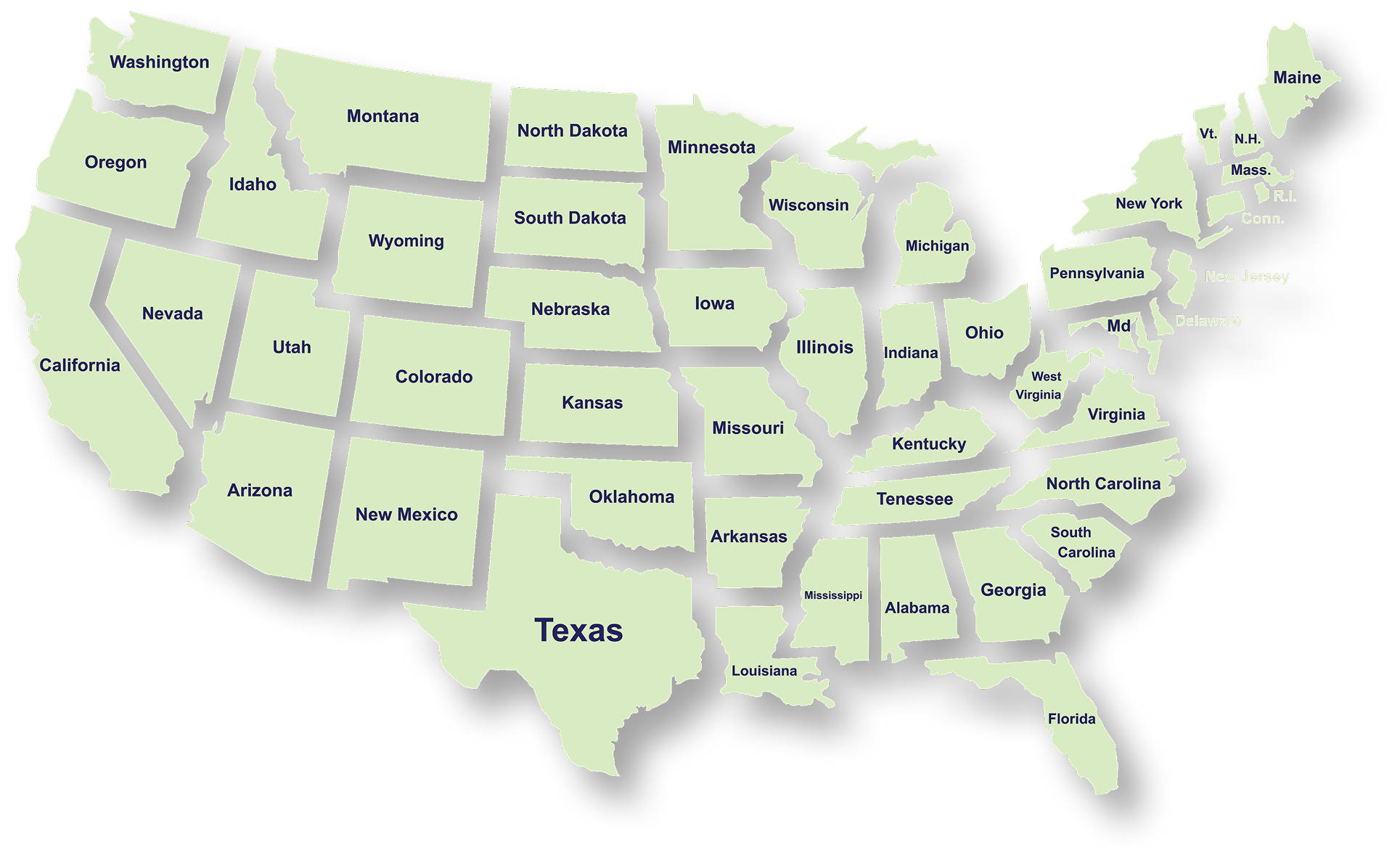
We handle accounting, tax filing, and planning with defined timelines and accurate reporting for businesses and individuals across all states.

Frequently Asked Questions

What services does NR CPAs & Business Advisors provide?
What is tax planning and why is it important for businesses?
How can a Virtual CFO help my business?
When should a business consider IRS tax resolution services?
What financial statements does a business typically need?
How can startup advisory services help new businesses?
What is strategic business planning?
What is a Virtual Family Office and who can benefit from it?