Learning Center for Tax and Financial Insights

Stay updated with clear, actionable articles on tax rules, deadlines, deductions, and financial decisions that impact individuals and businesses.

No items found.

Top Year End Tax Strategies to Boost Your Business Bottom Line

Explore More
No items found.

Tax-Savvy Retirement: Strategies Boomers Can Use to Lower Their Tax Bill and Maximize Savings

Explore More
No items found.

Video Tips: Unlock Year End Tax Savings from Your Stock Portfolio

As year-end approaches, it's time to review your stock portfolio for tax-saving opportunities. Watch this video for tips on creating a tax-efficient start to the new year!

Explore More
No items found.

Essential Year End Tax Moves You Can't Afford to Miss

Explore More
No items found.

2025 Year-End Prep: Essential Tools and Updates in QuickBooks Online

As 2024 winds down, tax professionals are gearing up to prepare and reconcile client accounts for the year ahead. QuickBooks Online (QBO) offers tools to simplify this process, helping business owners wrap up year-end details and ensure their books are tax-ready for 2025. Below, we’ll dive into QBO features that optimize year-end prep, from running detailed reports to expense management tips that streamline everything leading up to tax season.1. Auto-Categorization and Expense ManagementKey Feature: Enhanced Auto-CategorizationQBO’s enhanced auto-categorization feature has been updated to recognize and sort common transactions, saving hours during reconciliation. In the Expenses tab, accountants can review client spending by category, using the software’s rule-based tools to ensure transactions align with tax codes.Steps to Use Auto-Categorization:Go to Banking > Rules in the left sidebar to set up or adjust rules that automatically categorize transactions by vendor or keyword.Review auto-categorized transactions by selecting Banking > Categorize to quickly identify any discrepancies before finalizing expenses.2. Reconciling Bank and Credit Card AccountsKey Feature: Reconciliation Tool UpdatesRecent QBO updates have optimized the reconciliation feature, allowing you to match client transactions with bank statements more accurately. This tool is invaluable for busy business owners, especially when handling high-volume accounts.Steps for Efficient Reconciliation:In the Accounting > Reconcile tab, begin by selecting the account to reconcile and enter the ending balance from the most recent statement.Use the enhanced filters to locate older, unreconciled transactions. QuickBooks now displays an alert for any unreconciled bank feeds to prevent oversights.Mark transactions as reconciled and monitor the Difference column to reach a zero balance, ensuring accuracy.This year-end reconciliation will precisely align QuickBooks records with bank accounts, an essential step before tax filing.3. Using QuickBooks Reports for Year-End ReviewKey Feature: Customizable Year-End ReportsQuickBooks has made reporting more user-friendly, with customization options to filter data by client-specific accounts or unique financial needs. These reports can provide invaluable insights into client finances at a glance, so accountants can review year-end data efficiently.Essential Year-End Reports to Run:Profit and Loss Report: Go to Reports > Profit & Loss to review income and expenses, set custom date ranges, and select specific accounts for review.Balance Sheet Report: Accessible under Reports > Balance Sheet, this report gives a complete overview of assets and liabilities, essential for spotting any year-end adjustments.Trial Balance Report: Under Reports > Accountant Reports, select Trial Balance for an overview of debits and credits across all accounts, a crucial check for ensuring accounts are balanced.QuickBooks’ customization tools can filter these reports by class or location, allowing more in-depth insights that make year-end review faster and more thorough for both business owners and their tax professionals.

Explore More
No items found.

Protect Your Holiday Generosity: How to Spot and Avoid Charity Scams

Explore More
No results found.
Thank you! Your submission has been received!
Oops! Something went wrong while submitting the form.

Want tax & accounting tips & insights?Sign up for our newsletter.

Thank you! Your submission has been received!
Oops! Something went wrong while submitting the form.

Why Work With Us?

We combine deep tax expertise, financial strategy, and practical business insight to help you manage complexity, stay compliant, and make confident financial decisions.
A dollar sign, representing financial advice or discussion at NR CPAs & Business Advisors.

Experienced CPA and Enrolled Agent Leadership

Guidance led by licensed professionals with deep expertise in tax strategy, compliance, and complex financial matters.
White bar chart with an upward arrow on green circular background representing growth or progress at NR CPAs &. Business Advisors

Support for Growing Businesses and Startups

We understand the financial challenges of growth stage businesses and provide structured guidance to support expansion.
A white hand holding a dollar symbol and ascending bar chart on a green circular background representing financial growth or investment at NR CPAs & Business Advisors..

Strategic Financial Advisory

Our team helps you evaluate financial decisions with greater clarity, supported by practical insights and long term planning.

Fractional CFO Support

Access experienced financial leadership without the commitment and cost of hiring a full time Chief Financial Officer.

Proactive Tax Planning Approach

We focus on identifying tax opportunities throughout the year rather than reacting only during filing season.

Clear and Reliable Financial Reporting

Accurate financial statements and reporting that help you better understand performance and make informed decisions.
White IRS building icon with pillars and a dollar sign above on a green circular background.

Professional IRS Representation

Experienced support in resolving IRS notices, disputes, and compliance matters while protecting your financial interests.

Personalized Client Focus

Every client receives thoughtful attention and tailored financial solutions based on their specific needs and business goals.
Financial matters often involve important decisions. Working with experienced advisors can help you approach them with greater clarity and confidence in your choices.

Need Help With Your Tax or Financial Decisions?

Discuss your situation with our advisors to get clear guidance on tax planning, IRS matters, and the financial decisions ahead.
Business consulting at NR CPAs & Business Advisors.

Request Your Consultation

Fill out the form to discuss your tax concerns, financial questions, or advisory needs with our team. We will review your details and respond shortly.

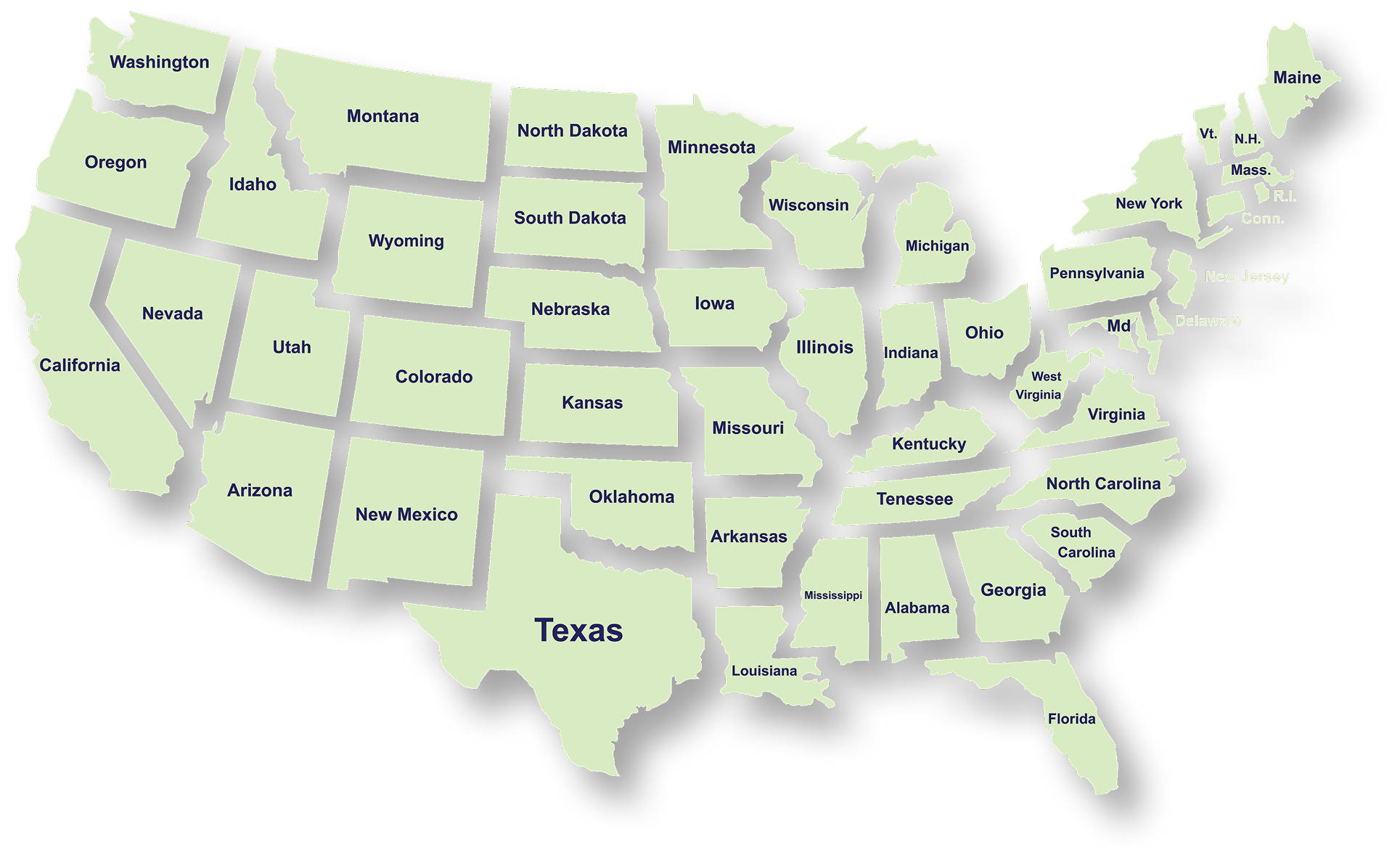
Serving Businesses & Individuals Across USA

We handle accounting, tax filing, and planning with defined timelines and accurate reporting for businesses and individuals across all states.

Frequently Asked Questions

What services does NR CPAs & Business Advisors provide?
What is tax planning and why is it important for businesses?
How can a Virtual CFO help my business?
When should a business consider IRS tax resolution services?
What financial statements does a business typically need?
How can startup advisory services help new businesses?
What is strategic business planning?
What is a Virtual Family Office and who can benefit from it?