Learning Center for Tax and Financial Insights

Stay updated with clear, actionable articles on tax rules, deadlines, deductions, and financial decisions that impact individuals and businesses.

No items found.

8 Quickbooks Online Tips

We tend to fall into the same old patterns once we’ve learned how to make a computer application work for us. We learn the features we need and rarely venture beyond those unless we find we need the software or website to do more.QuickBooks Online is no exception. It makes its capabilities known through an understandable system of menus and icons, labeled columns and fields, and links. But do we really see what else it can do? Expanding your knowledge about what QuickBooks Online can do may help you shave some time off your accounting tasks and better manage the forms, transactions, and reports that you work with every day. Here are some tips.Edit lines in transactions. Have you ever been almost done with a transaction and realize you need to make some changes farther up in the list of line items? Don’t delete the transaction and start over. QuickBooks Online comes with simple editing tools, including:Delete a line. Click the trash can icon to the right of the line. Reorder lines. Click the icon to the left of the line, hold it, and guide it to the new position. This is tricky. You may have to work with it a bit. Clear all lines and Add lines. Click the buttons below your line items, to the left. Click the More link at the bottom of a saved transaction to see what your options are.Explore the More menu. Saved transactions in QuickBooks Online have a link at the bottom of the screen labeled More, as pictured above. Click it, and you can Copy the transaction or Void or Delete it. You can also view the Transaction journal, which displays the behind-the-scenes accounting work, and see an Audit history, which lists any actions taken on the transaction.Create new tabs. Do you ever wish you could display more than one screen simultaneously so you can flip back and forth between them? You can. Right click on any link in QuickBooks Online, like Sales | Customers, and select Open link in new tab.Use keyboard shortcuts. Not everyone is a fan of these, mostly because they can’t remember them. Hold down these three keys together to see a list: Ctrl+Alt+?. Some common ones include those for invoices (Ctrl+Alt+i) and for expenses (Ctrl+Alt+x).

Explore More
No items found.

Video tips: Essential Advice for a Successful Startup

Building a successful business is more or less a balancing act. Here are some things to keep in mind for a successful startup.

Explore More
No items found.

2021 Tax Deduction Finder & Problem Solver

Our 2021 Tax Organizer is designed to help you identify missing tax deductions and get more organized before your appointment. We update the tax organizer annually to make sure you are in compliance with the latest tax law changes. The tax organizer currently posted below is primarily for the 2020 tax year, although it can be used for other years.To get ready for your tax appointment, we use tax organizers to help us identify missing tax deductions and get you more organized before your appointment. We update the tax organizer annually to make sure you are compliant with the latest tax law changes.The 2021 individual tax organizer is provided in three configurations to assist you in collecting relevant tax information needed to properly prepare your tax return. Access any of the three versions by double-clicking on the underlined title links below. The organizers can be downloaded to your computer where you can fill and save the information until you have completed collecting all of your information. After you have completed it, please forward the organizer (printed or digitally) to our office for immediate service. If you have an office appointment, you can print it out and bring it with you to the meeting. A word of caution: you can fill the organizers online and print them out. However, if you close the file, your data will not be saved unless the form is saved to your computer.Once the completed organizer has been received, you will be contacted by phone, fax or e-mail with any questions, comments, or suggestions. If you e-mail our office advising us that you have sent your tax materials, we will notify you of their receipt.

Explore More
No items found.

November 2021 Individual Due Dates

November 10 - Report Tips to EmployerIf you are an employee who works for tips and received more than $20 in tips during October, you are required to report them to your employer on IRS Form 4070 no later than November 10. Your employer is required to withhold FICA taxes and income tax withholding for these tips from your regular wages. If your regular wages are insufficient to cover the FICA and tax withholding, the employer will report the amount of the uncollected withholding in box 12 of your W-2 for the year. You will be required to pay the uncollected withholding when your return for the year is filed.

Explore More
No items found.

November 2021 Business Due Dates

November 1 - Social Security, Medicare and Withheld Income TaxFile Form 941 for the third quarter of 2021. Deposit or pay any undeposited tax under the accuracy of deposit rules. If your tax liability is less than $2,500, you can pay it in full with a timely filed return. If you deposited the tax for the quarter in full and on time, you have until November 10 to file the return.November 1 - Certain Small EmployersDeposit any undeposited tax if your tax liability is $2,500 or more for 2021 but less than $2,500 for the third quarter.November 1 - Federal Unemployment Tax

Explore More
No items found.

Distributed Workforce Businesses Are Facing Challenges as They Adapt to Remote Employees

According to one recent study, nearly half of all employees switched to working remotely in 2020 during the onset of the COVID-19 pandemic. Almost overnight, local and state lockdowns went into effect on all services deemed non-essential — meaning that people suddenly had to adapt to a working situation that couldn't be more foreign to them at the time.While it's certainly true that some jobs have proven more than adaptable to the current COVID-19 situation, many sectors are simply not well-suited for the remote environment. Some jobs need to be performed on-site — at least as far as maximum efficiency is concerned. More than that, some workers have home lives that present overwhelming productivity challenges. It's difficult to give your best to your job when you also have to be a part-time caretaker and school teacher for your children.Because of that, some managers may be finding their roles more difficult than ever — and they're making the lives of those under them stressful as a result. Thankfully, managing these challenges is not impossible, but it does require you to keep a few key things in mind.The Era of Remote Work Is Upon Us. It's Time To Embrace It, Not Fear ItOne of the major reasons why it's so important to attempt to overcome these challenges — as opposed to just waiting for the remote work era to "pass us by" and for things to "return to normal" — is that those two things won't be happening.Another recent study indicated that an estimated 25% to 30% of the workforce will still be working from home at least two days per week by the end of 2021. All of this points to one trend that shows no signs of slowing down anytime soon.One study conducted by the team at the Harvard Business Review indicated that many of these issues stem not necessarily from the remote workers but from the managers themselves. The results showed that roughly 40% of supervisors and managers who participated in the study said that they had low self-confidence in their ability to manage their telecommuting employees. An additional 16% were unsure of their ability.Obviously, none of that is the employees' fault — though as previously stated, there are certain positions and even people who are not suited for this type of situation. Still, countless others are, and it would be a shame to penalize them for one's own lack of self-confidence.Overcoming These Challenges, One Step at a Time

Explore More
No results found.
Thank you! Your submission has been received!
Oops! Something went wrong while submitting the form.

Want tax & accounting tips & insights?Sign up for our newsletter.

Thank you! Your submission has been received!
Oops! Something went wrong while submitting the form.

Why Work With Us?

We combine deep tax expertise, financial strategy, and practical business insight to help you manage complexity, stay compliant, and make confident financial decisions.
A dollar sign, representing financial advice or discussion at NR CPAs & Business Advisors.

Experienced CPA and Enrolled Agent Leadership

Guidance led by licensed professionals with deep expertise in tax strategy, compliance, and complex financial matters.
White bar chart with an upward arrow on green circular background representing growth or progress at NR CPAs &. Business Advisors

Support for Growing Businesses and Startups

We understand the financial challenges of growth stage businesses and provide structured guidance to support expansion.
A white hand holding a dollar symbol and ascending bar chart on a green circular background representing financial growth or investment at NR CPAs & Business Advisors..

Strategic Financial Advisory

Our team helps you evaluate financial decisions with greater clarity, supported by practical insights and long term planning.

Fractional CFO Support

Access experienced financial leadership without the commitment and cost of hiring a full time Chief Financial Officer.

Proactive Tax Planning Approach

We focus on identifying tax opportunities throughout the year rather than reacting only during filing season.

Clear and Reliable Financial Reporting

Accurate financial statements and reporting that help you better understand performance and make informed decisions.
White IRS building icon with pillars and a dollar sign above on a green circular background.

Professional IRS Representation

Experienced support in resolving IRS notices, disputes, and compliance matters while protecting your financial interests.

Personalized Client Focus

Every client receives thoughtful attention and tailored financial solutions based on their specific needs and business goals.
Financial matters often involve important decisions. Working with experienced advisors can help you approach them with greater clarity and confidence in your choices.

Need Help With Your Tax or Financial Decisions?

Discuss your situation with our advisors to get clear guidance on tax planning, IRS matters, and the financial decisions ahead.
Business consulting at NR CPAs & Business Advisors.

Request Your Consultation

Fill out the form to discuss your tax concerns, financial questions, or advisory needs with our team. We will review your details and respond shortly.

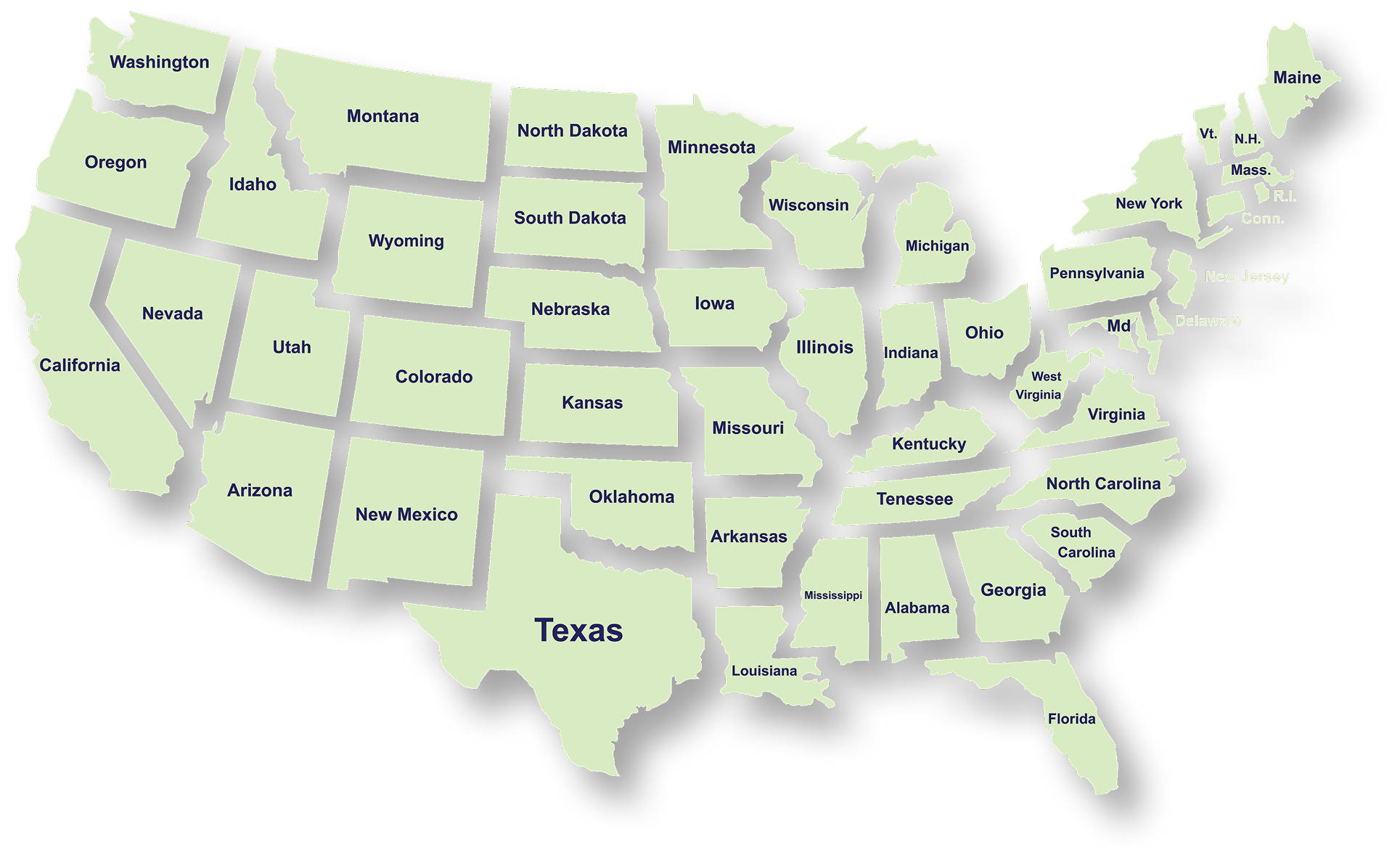
Serving Businesses & Individuals Across USA

We handle accounting, tax filing, and planning with defined timelines and accurate reporting for businesses and individuals across all states.

Frequently Asked Questions

What services does NR CPAs & Business Advisors provide?
What is tax planning and why is it important for businesses?
How can a Virtual CFO help my business?
When should a business consider IRS tax resolution services?
What financial statements does a business typically need?
How can startup advisory services help new businesses?
What is strategic business planning?
What is a Virtual Family Office and who can benefit from it?